
Tailscale SSH Server Access on FreeBSD
No.
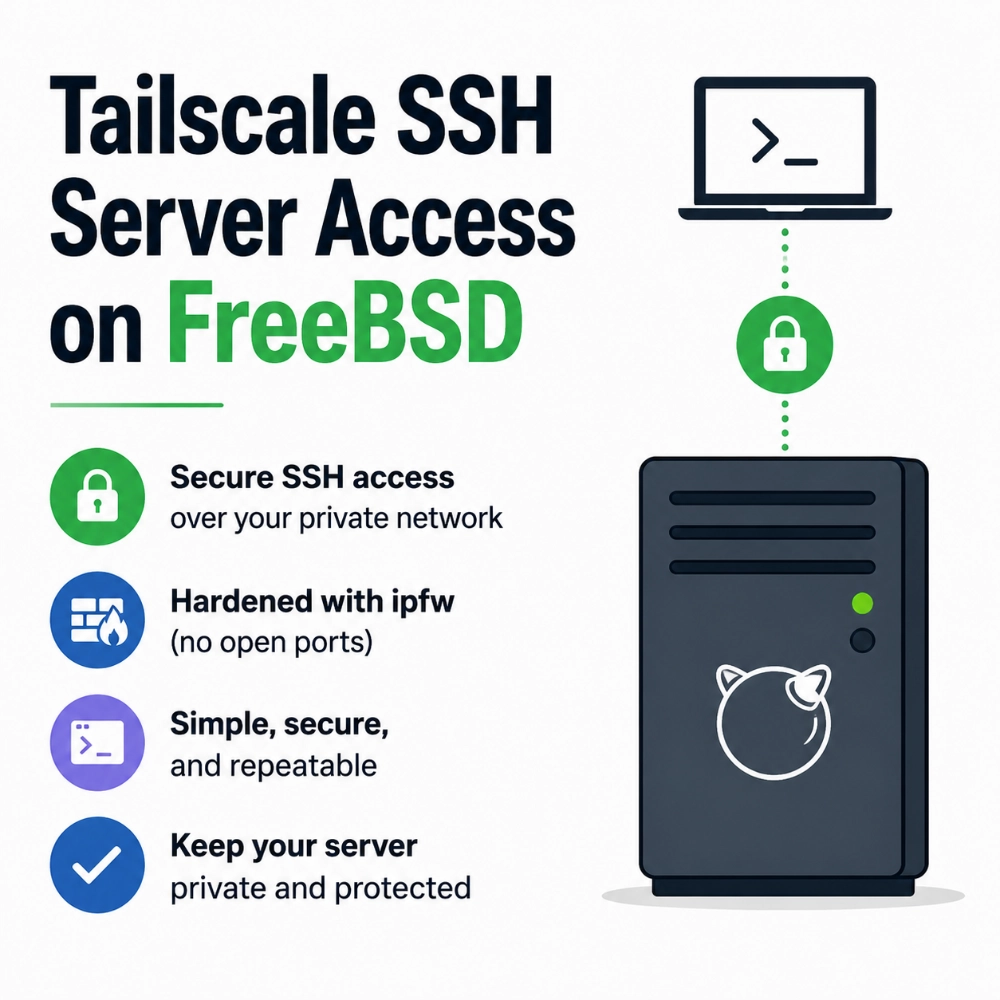
We setup all of our FreeBSD servers to be accessed via Tailscale's SSH so we documented it here for our quick reference in the future for new server setup. Hope it helps someone else as well.
Here are the simple steps to set up a Tailscale on your FreeBSD server:
1. Install Tailscale.
pkg update
pkg install tailscale
2. Create the Tailscale state directory.
install -d -o root -g wheel -m 0750 /var/db/tailscale
3. Enable forwarding and start 'tailscaled'.
The 'tailscaled' service has to run as 'root' (it must manage routing, NAT, and interfaces).
If it asks to authenticate when you run tailscaled service for the first time, follow the link that appears in the terminal.
# Persistent (survives reboot):
sysrc tailscaled_enable="YES"
sysrc tailscaled_state_dir="/var/db/tailscale"
sysrc tailscaled_up_args="--ssh"

# Apply immediately now (no reboot required):
service tailscaled start
tailscale status
'--ssh' enables Tailscale SSH, so SSH access is tied to your tailnet identity and policy instead of manually distributing SSH keys to 'authorized_keys'.
If startup prints a login URL, open it once to authorize the node. If you use a custom tailnet policy, make sure you keep both network access rules and SSH rules for this node.
4. (Optional Hardening) Turn off all WAN-exposed ports, including OpenSSH.
First, make sure that you don't need any other open ports. Then verify you can log in with Tailscale SSH from another tailnet device:
tailscale ssh root@<node-name>
ssh root@<node-name> # Can use the built in SSH client if you have a Tailscale client installed on your local MacOS machine.
Then disable the OpenSSH daemon:
# Persistent (survives reboot):
sysrc sshd_enable="NO"

# Apply immediately now:
service sshd stop
Create a rules file at '/etc/ipfw.rules' with the following content:
#!/bin/sh
ipfw -q -f flush

# Allow loopback traffic.
ipfw -q add 10 allow ip from any to any via lo0

# Allow established TCP connections (return traffic).
ipfw -q add 20 allow tcp from any to any established

# Allow ICMP types 0, 3, 8, and 11 which are ping, echo reply, and time exceeded.
ipfw -q add 30 allow icmp from any to any icmptypes 0,3,8,11

# Allow outbound IP traffic (includes TCP and UDP)
ipfw -q add 40 allow ip from me to any keep-state

# Deny and log inbound traffic to the server.
ipfw -q add 1000 deny log ip from any to me

# Deny all other traffic.
ipfw -q add 1001 deny ip from any to any
Make the rules file executable:
chmod +x /etc/ipfw.rules
Persist the rues across reboots:
sysrc -f /etc/rc.conf firewall_enable="YES"
sysrc -f /etc/rc.conf firewall_script="/etc/ipfw.rules"
Tailscale will still work because it's connecting outboud, but direct inbound ports are no longer accessible.
NOTE: you may need to restart your server after making these changes.
5. Verification
service tailscaled status
ipfw list
tailscale status
sockstat -4 -l | egrep '(:22)' || true
If you get an the following error:
ipfw: retrieving config failed: Protocol not available
Then you may need to load the IPFW kernel module:
WARNING: You may need to reboot your server after loading the module. Make sure you have a way to do that via iDRAC or something similar in your datacenter or cloud provider.
kldload ipfw
Then check that the module is loaded:
kldstat | grep ipfw
6. Conclusion
You're now ready to enjoy connecting to your FreeBSD via Tailscale's SSH!
Cheers 🥂